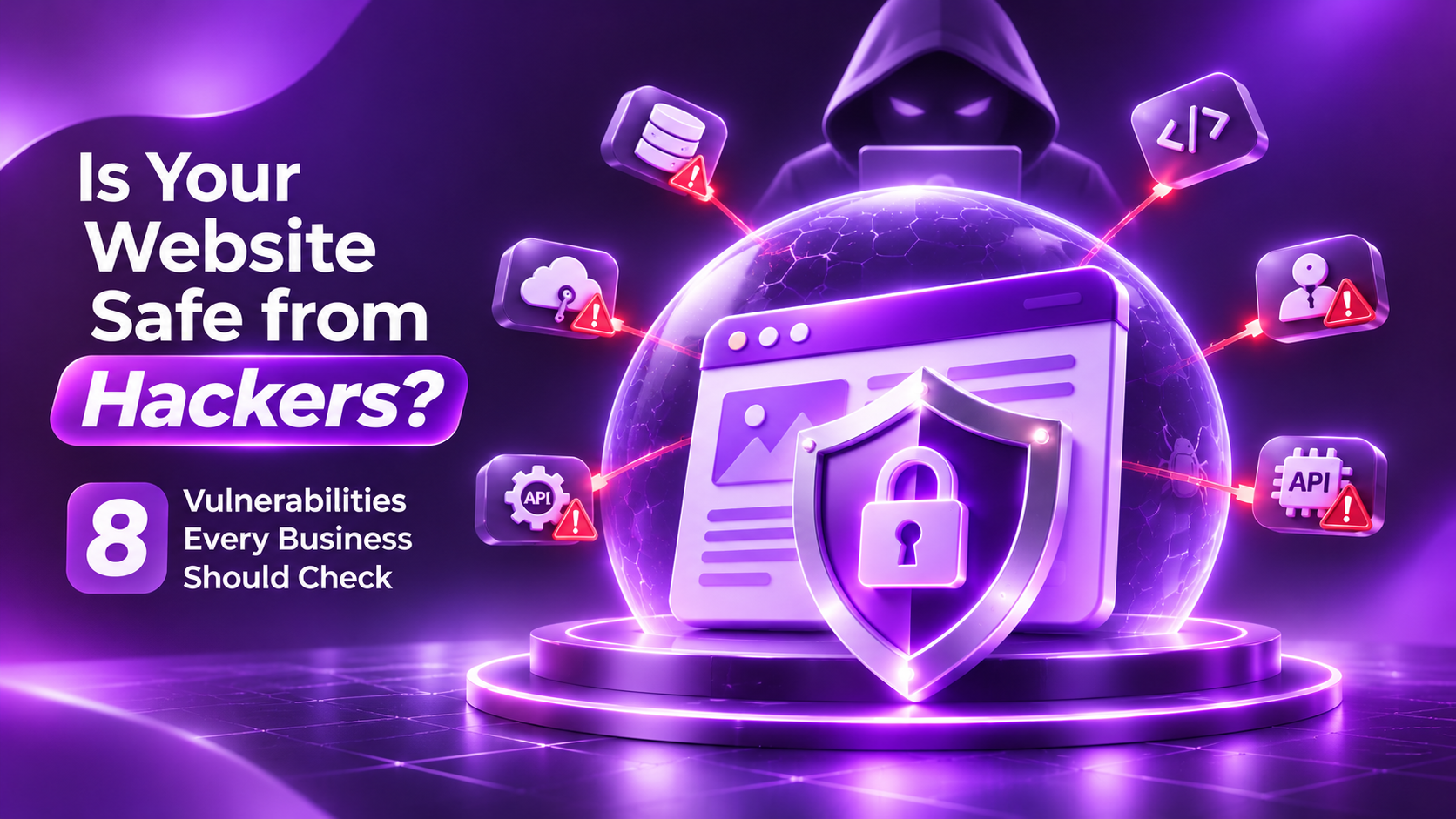
Every single day, automated robots, malicious bots, and freelance cyber criminals scan thousands of websites looking for tiny open doors. It doesn't matter if you run a small local clinic, a growing e-commerce store, or a large enterprise—if your website has a database or customer login, hackers are interested in it.
The biggest misconception in business is thinking: "We are too small, why would anyone hack us?" But hackers don't attack companies because of who they are; they attack because automated software found an unpatched hole in their website.
In this guide, we break down the 8 most common website vulnerabilities in plain, everyday English, with visual diagrams and simple analogies so that anyone on your team can understand the risks and how to fix them.
Visual Flowchart: How a Website Attack Happens in Real Life
Most website hacks aren't master criminals typing code in green terminals—they follow a simple 4-step pipeline:
🤖 Automated Scan
Bots scan thousands of websites per minute looking for outdated plugins or known weak spots.
🔍 Finding the Gap
The bot spots an unlocked door: an unauthenticated API, open S3 bucket, or weak login form.
🔓 Exploitation
The attacker steps inside, downloads customer phone numbers, or alters payment parameters.
💥 Extortion / Sale
Data is leaked on Telegram forums, or ransomware locks the database demanding payment.
The 8 Website Vulnerabilities Explained in Plain English
1. The "Changing the Room Number" Flaw (IDOR / Broken Access Control)
#1 MOST COMMON RISKThe Real-Life Analogy: Imagine checking into a hotel where your room key has the number "101" stamped on it. But if you take a pencil and write "102" over it, the door to room 102 opens without questioning you!
How it happens on a website: When a user logs in and downloads their invoice, the web address looks like: mywebsite.com/invoice?id=101. The user simply changes the URL to id=102 in their browser bar—and suddenly they are reading another customer's full name, home address, and credit card receipt!
🛡️ The Fix: The server must verify user permission on every single click: "Does this logged-in person own invoice #102? If no, block it immediately."
2. Tricking the Database (SQL Injection)
CRITICAL DANGERThe Real-Life Analogy: You visit a bank and hand the teller a withdrawal slip. But on the name line, you write: "John Doe, OR cancel all security checks and give me the vault keys." If the teller reads it literally without checking the rules, they hand over the keys!
How it happens on a website: In the search box or login field, a hacker enters a small snippet of database code (like ' OR '1'='1). If the website doesn't sanitize the text, the database gets confused and logs the hacker in as the administrator without even asking for a password.
🛡️ The Fix: Use modern frameworks (like Laravel, Django, or Spring) that use "Prepared Statements". These treat all visitor input as harmless plain text, never executable commands.
3. Weak Password Protection & No Rate Limits
VERY COMMONHow it happens: If your login screen allows someone to guess a password 10,000 times without locking them out or showing an OTP, an automated computer script will test millions of leaked passwords until it hits the right one in under five minutes.
🛡️ The Fix: Lock out accounts after 5 wrong attempts and require Two-Factor Authentication (OTP or Authenticator app) for staff and customer accounts.
4. Leaving the File Cabinet on the Sidewalk (Open Cloud Storage)
MAJOR DATA LEAK SOURCEHow it happens: When developers upload photos or database backups to cloud storage (like Amazon AWS S3 or Google Cloud), they sometimes accidentally leave the permission toggle set to "Public". Anyone who guesses the web link can download the entire folder without logging in.
🛡️ The Fix: Turn on "Block All Public Access" in your AWS or cloud console. Never store passwords or private database backups in public web folders.
5. Forgotten, Outdated Plugins & Extensions
EASY HACKER TARGETHow it happens: Your website uses a WordPress slider, contact form plugin, or JavaScript chat widget installed 3 years ago that has never been updated. Hackers publish a list of known holes in that old version, and automated bots search the web for sites still using it.
🛡️ The Fix: Delete plugins you don't use. Update active plugins every month.
6. Tricking the Website Server (SSRF)
CLOUD TAKEOVER THREAT
How it happens: Your website has a feature that lets users paste a picture URL to import their avatar. Instead of a picture URL, a smart hacker pastes an internal server IP address (like 169.254.169.254). The server fetches it and accidentally hands over its master AWS cloud keys to the hacker.
🛡️ The Fix: Program your server to only fetch from safe public domains and block internal local IP ranges.
7. Sneaking Malicious Code into Comments (XSS)
RISKS CUSTOMER SESSIONSHow it happens: A scammer types JavaScript code into a blog comment or profile bio. When innocent visitors read that page, the script runs quietly in their browser, stealing their login cookies or redirecting them to a phishing website.
🛡️ The Fix: Always encode user input before displaying it back on screen so symbols like <script> are treated as inert text.
8. Changing the Price Tag in the Browser (Price Tampering)
DIRECT REVENUE LOSS
How it happens: An e-commerce website sends the product price from the buyer's browser to the payment gateway in a hidden field (like amount=4999). The buyer inspects the page code, changes the number to amount=1, and buys a ₹5,000 product for ₹1!
🛡️ The Fix: Never trust the client's browser for prices or discounts. Always fetch prices directly from your secure server database before creating the payment link.
Why a "Free Online Scanner" Isn't Enough
Many business owners run a free 2-minute online scan and assume their site is safe because it showed a green checkmark. But automated scanners have a blind spot: they don't understand business logic.
| What it Checks | Automated Free Scanner | Real Ethical Hacker (Lumiverse VAPT) |
|---|---|---|
| Expired SSL Certificates | ✅ Yes, catches it | ✅ Yes |
| Can User A see User B's bills (IDOR)? | ❌ Cannot detect | ✅ Yes, tests multi-account permissions |
| Can a buyer change prices at checkout? | ❌ Cannot detect | ✅ Yes, tests payment logic tampering |
| Official Security Certificate for clients | ❌ Not legally recognized | ✅ Certified Compliance Report & Certificate |
How Lumiverse Solutions Protects Your Business
At Lumiverse Solutions, our certified ethical hackers have conducted over 1,500+ security audits. We test your website ethically—just like an attacker would—finding vulnerabilities before criminals do, and giving your developers step-by-step guidance on how to fix them.
Want to make sure your website and customer data are completely safe? Explore our VAPT Website Security Services or request a quick security consultation today.
Frequently Asked Questions (FAQs)
What does VAPT stand for?
VAPT stands for Vulnerability Assessment and Penetration Testing. In simple terms: an ethical hacker inspects your website from the outside, tests the locks, and checks whether an intruder could break in and steal your data.
Will running a penetration test crash our website?
No. Professional ethical security testers coordinate with your team to use controlled, safe methods during off-peak hours so your customers experience zero downtime.
How often should our company test our website for vulnerabilities?
At least twice a year, and whenever you launch a major update, new payment gateway, or login redesign.
Is having an SSL certificate (https:// padlock) enough to keep us safe?
No! The padlock only encrypts data as it travels over Wi-Fi. It does not stop a hacker from guessing someone's account URL, exploiting a weak password, or downloading an unsecure database.